1
Plug it in
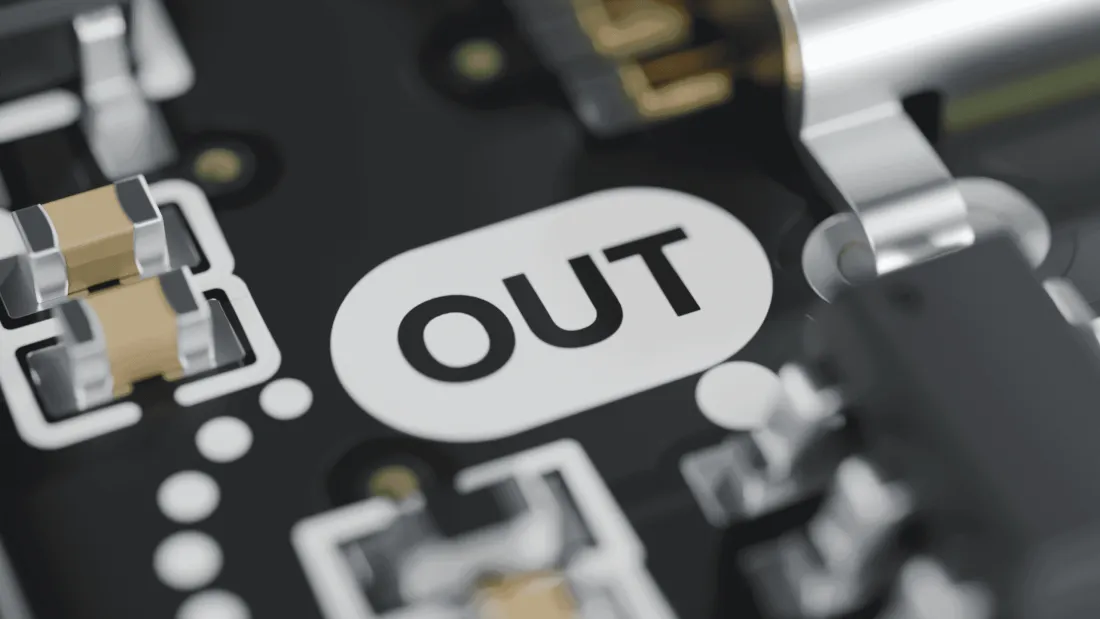
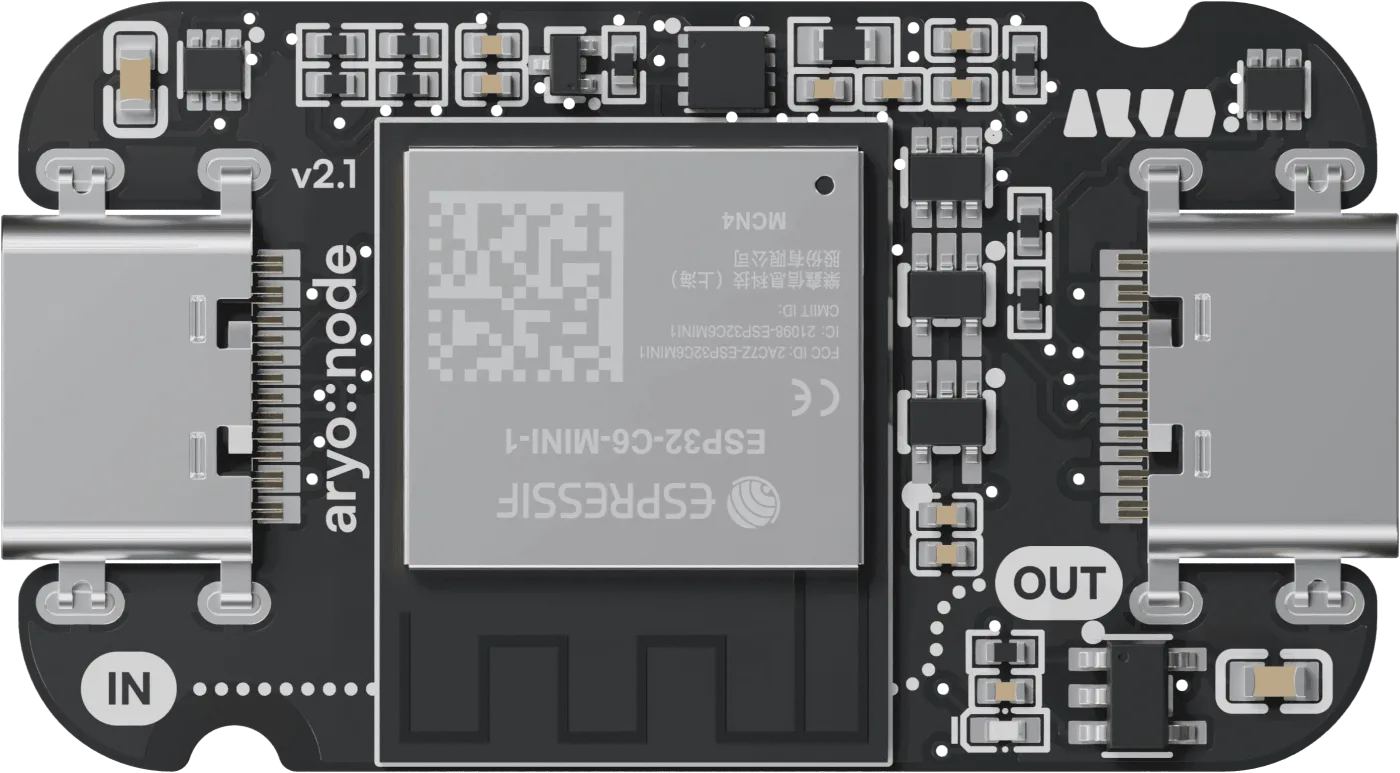
USB-C power into IN, your strip into OUT with the adapter cable. The board figures out how much your power supply can handle.
The tiny controller for your LED strips and panels. Tuck it into your 3D-printed lamp, open the app, pick your colors.
No soldering, no code, no manual marathon.
USB-C power into IN, your strip into OUT with the adapter cable. The board figures out how much your power supply can handle.
The app finds your board. Give it a name and tell it what’s connected: one strip, several parts or a panel.
Add it to your smart home and switch it with your voice. Or play in the app: colors, palettes and effects like fire or a lava lamp.
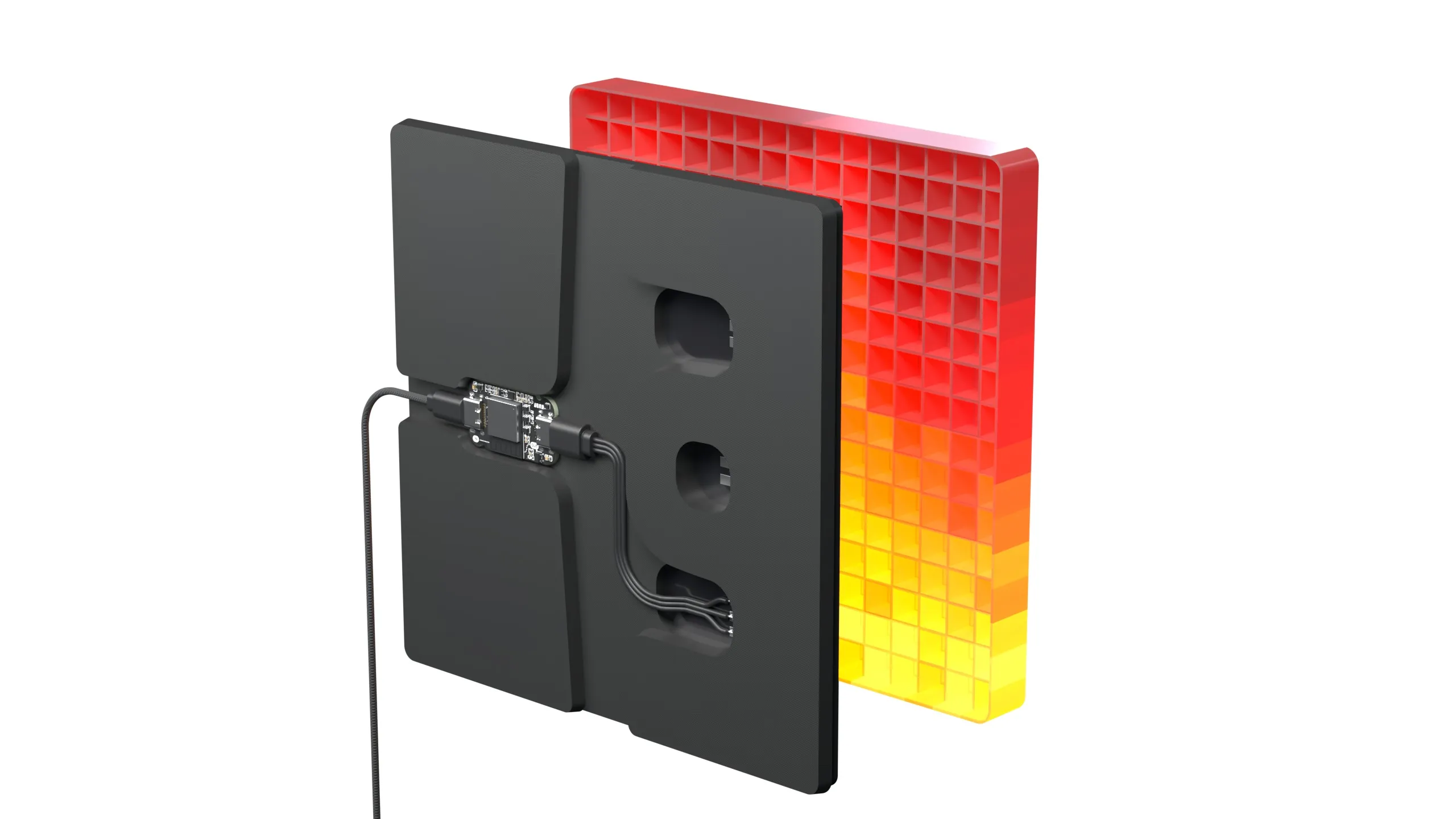
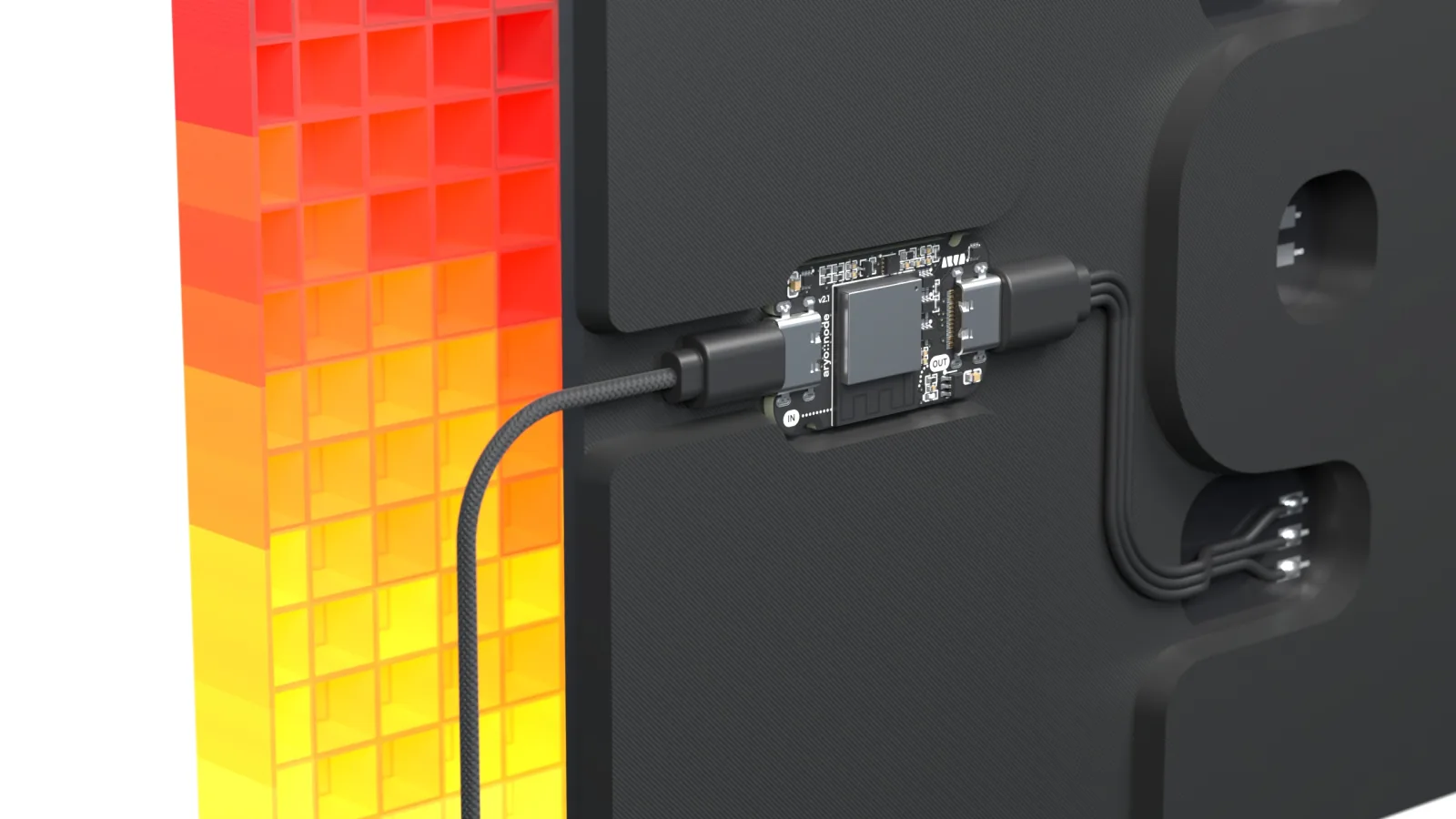
At 35 × 20 mm, the board fits a small pocket in the back of your lamp. Power goes into IN, the adapter cable runs from OUT to your panel. Close it up and only the light is left.
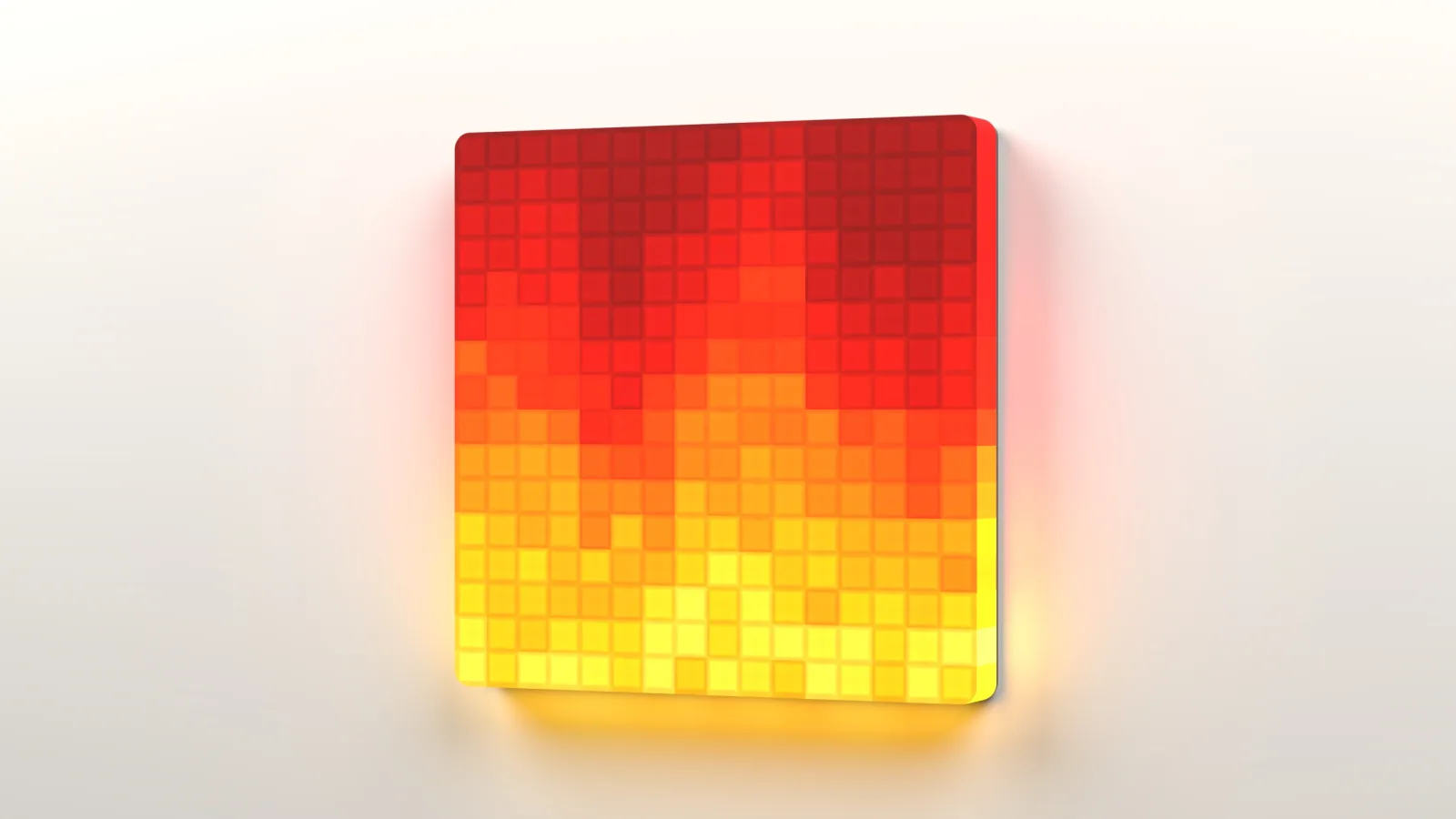
Matter is the smart home standard behind Apple Home, Google Home, Amazon Alexa, SmartThings and Home Assistant. aryo::node is built for it: scan the code and your light shows up in your home app, even in several at once.
Matter certification is planned before the first boards ship. Your smart home needs a hub with Thread, like a HomePod mini, Apple TV 4K, Google Nest Hub (2nd gen) or Amazon Echo (4th gen). Without one, the app controls your board directly over Bluetooth.
Brightness as a glowing surface in your light’s color, palettes as flowing light, effects with one tap. Everything your smart home app can’t do, the aryo::node app does, straight over Bluetooth.
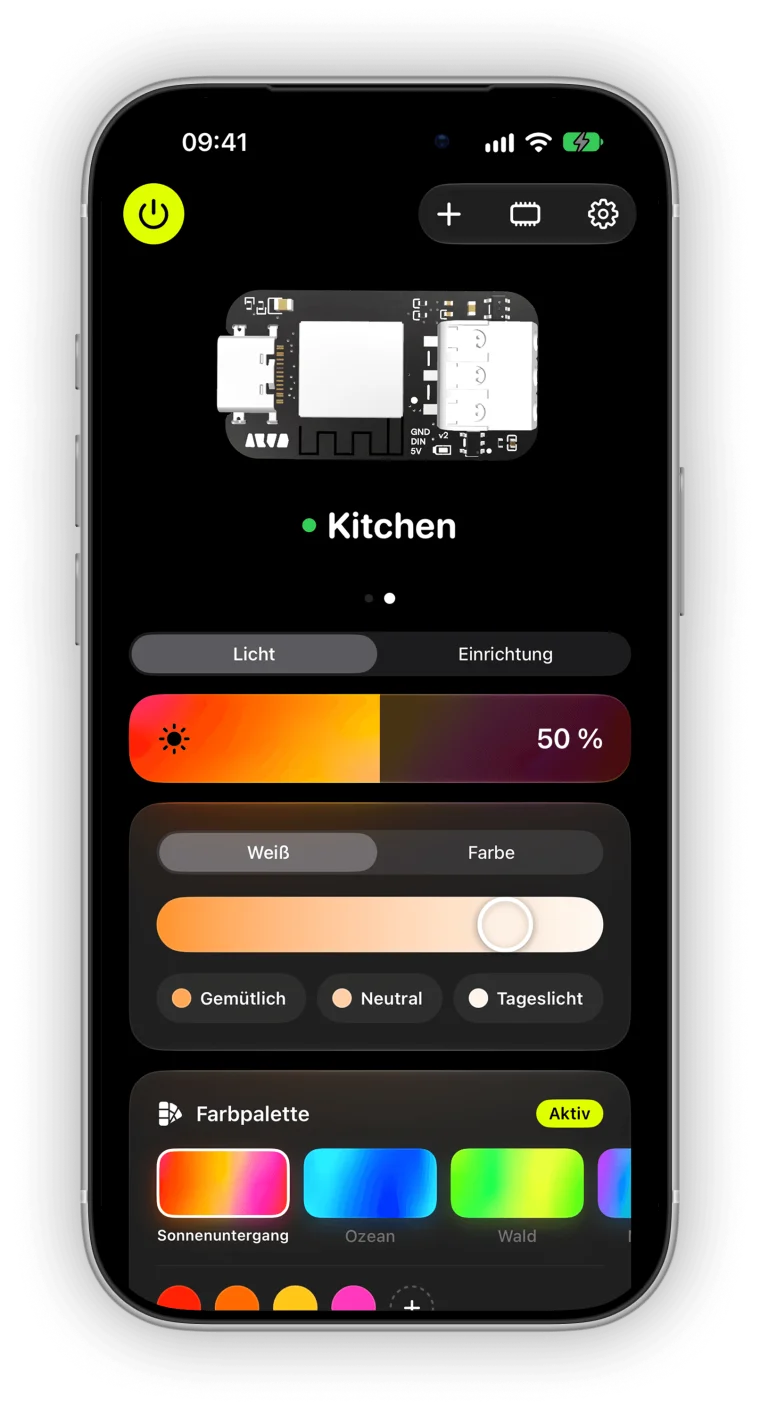
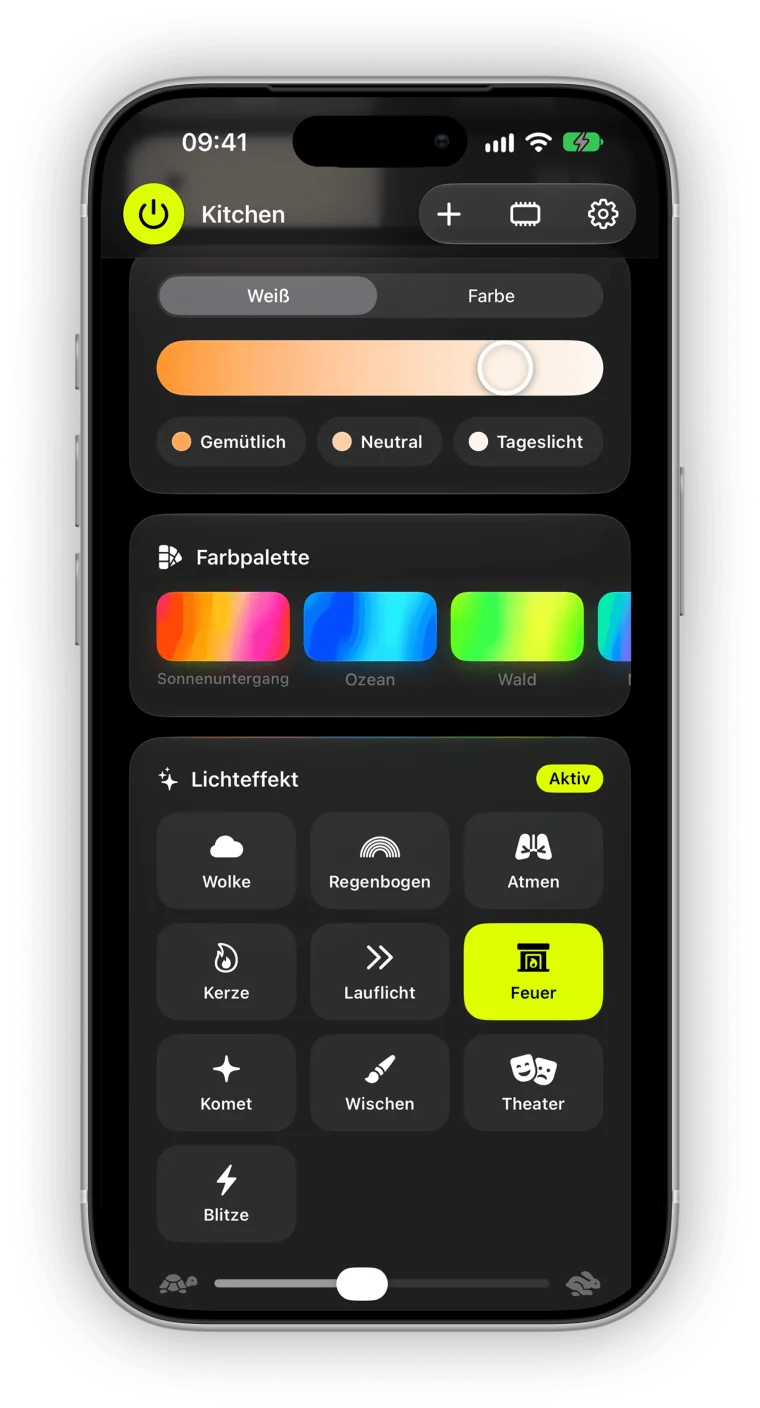
Pick a ready-made palette or mix your own. On a strip it runs as a gradient or mirrored, on a panel it flows across the whole surface. Turn on Flow and the colors slowly drift along.
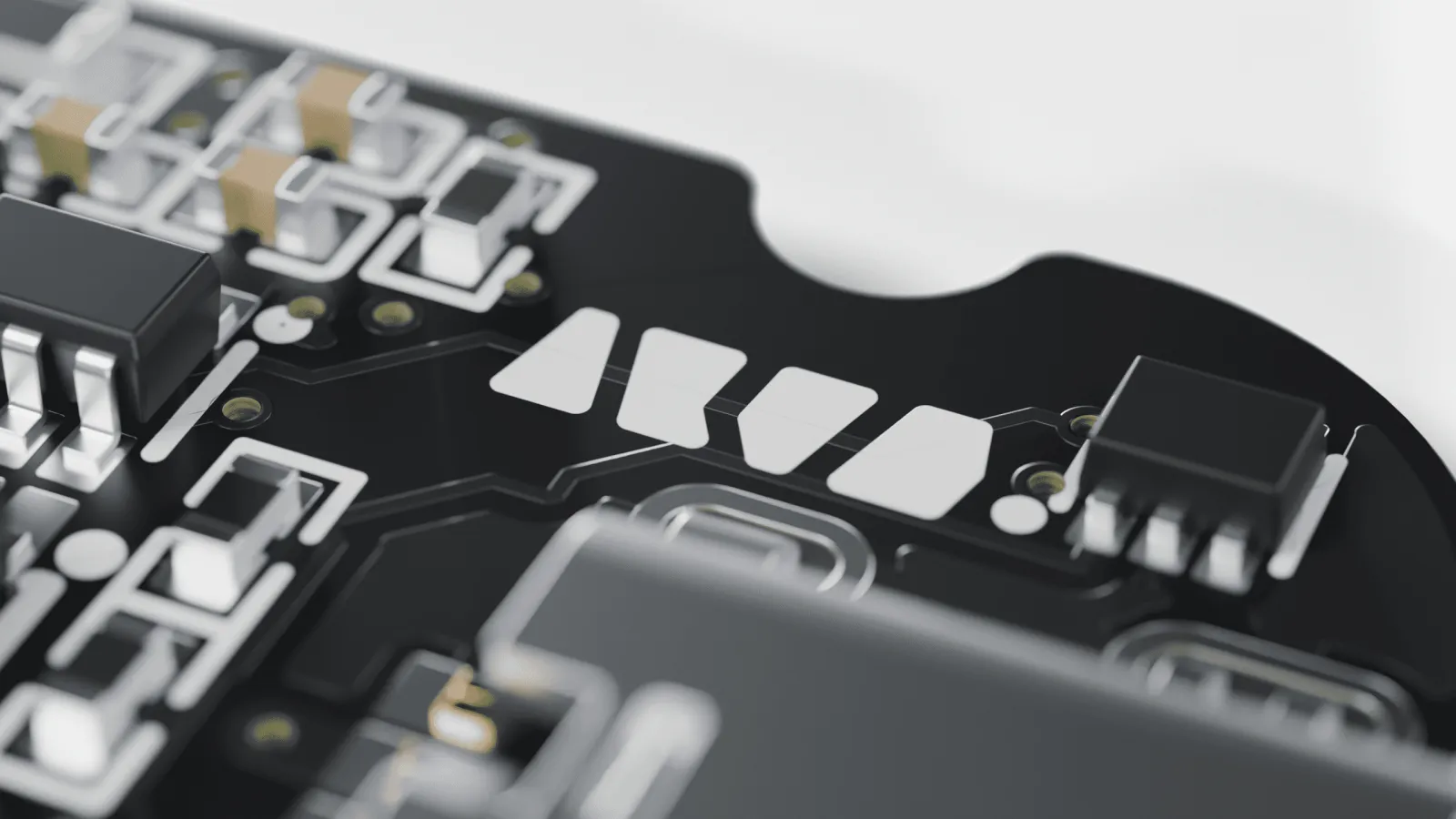
Designed in Germany on a matte-black board with two USB-C ports. It recognizes your USB-C power supply on its own and sets its limits to match.
Every board comes with one adapter cable of your choice. One end goes into the USB-C output, the other into your strip.
 The usual one
For WS2812B, SK6812 (RGB and RGBW),
5 V COB strips, rings and panels.
 For custom builds
Three open ends for cut strips,
soldering or screw terminals.
 Coming later
For strips with a data and a clock line. Support arrives with a later firmware update.
Prices aren’t set yet. Everyone on the list gets the early bird price first.
No spam, promise.
No. The app controls your board directly over Bluetooth. For Apple Home, Google Home, Alexa and others you need a hub with Thread.
Ideally a USB-C power supply with 5 V and 3 A and a USB-C to USB-C cable. Weaker ones work too, long strips just won’t get quite as bright.
5 V strips and panels with one data line, so 5V, GND and DIN. For example WS2812B, SK6812 or NeoPixel. 12 V and 24 V strips won’t work.
No. No account, no cloud, no ads. The app talks straight to your board.
Yes, up to eight iPhones per board.
Not yet. aryo::node is in development and beta testing is underway. Join the list and you’ll hear first, with the early bird price.